/ EUR
/ EUR
Choosing a server is not just a decision about what to buy today – but about how your company will operate for the next several years. Tower? Rack? Or something in between? In this guide you'll find concrete answers, comparisons, application examples and model recommendations tailored to various scenarios.
Two worlds, one goal – how do Rack and Tower servers differ? Short and to the point
The difference between Rack and Tower isn't just about the chassis. These are two different approaches to how to build and develop IT infrastructure – one more "office-oriented", the other prepared from the start for larger deployments.
- Tower is a simple, quiet and quick to deploy server that you can place anywhere – without a cabinet, without special requirements. Perfect if you're just starting out or want to handle backup, CRM or accounting.
- Rack, on the other hand, is equipment that from the start assumes expansion, a larger number of services, remote management and order in your IT environment.
So what to choose?
Do you have a small office and count every meter? You can place Tower even in a cabinet
If you don't have a dedicated server room but need a stable server – a Tower server will be a simpler and cheaper solution. It doesn't require a rack cabinet, special cooling or office reorganization. In many cases it's simply a sensible choice to start with.
Why Tower will be more convenient:
- you can place it anywhere – desk, cabinet, shelf, back room,
- it operates quietly – large fans rotate slowly, so it doesn't interfere with daily work,
- doesn't require big investment – neither in accompanying equipment nor infrastructure,
- easy to expand – more PCIe ports and RAM than in some rack models,
- quick deployment – no rails, no rack, no problem.
Many small companies started with just a simple Tower server. It's often the first step in building infrastructure – you have one device that holds files, backups, works as a local database server. You can set it up quickly, without an IT department. All you need is a power outlet and network connection. And if new needs appear in the future – you can always expand it or replace it with something bigger.
Planning to grow? Rack is infrastructure that keeps pace with your company
If you're thinking about IT expansion in the coming months or years – a Rack server will be significantly more scalable than Tower. This is a solution for companies that want to keep everything in one place and have full control over it.
Main advantages of Rack if you plan growth:
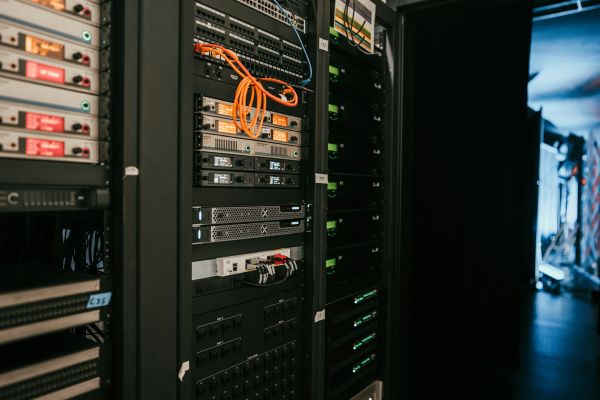
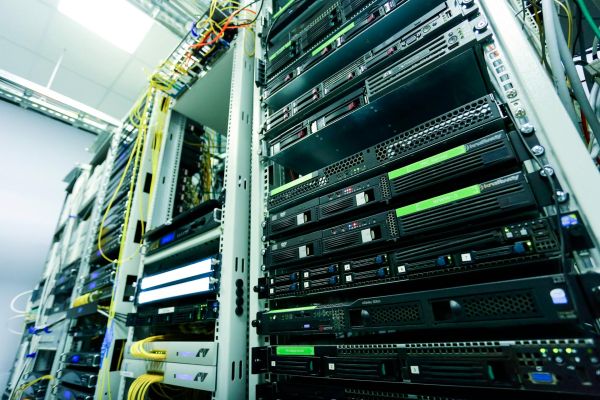
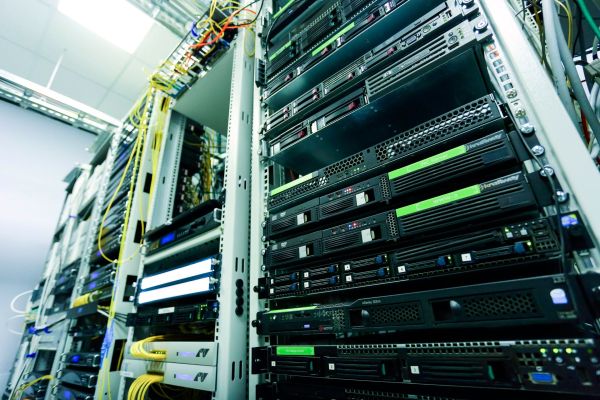
- you can fit a dozen or even dozens of servers in one cabinet,
- you gain central management via iDRAC/iLO – everything from one dashboard,
- easier to implement HA, offsite backup and load balancing,
- ability to add more nodes without reorganizing space,
- lower energy consumption per unit of computing power.
Rack servers are the most common choice where IT is not an addition but the foundation of company operations. You start with one R630 with 64 GB RAM – it acts as a hypervisor. Later storage is added, more virtual machines, and in the meantime a need for HA appears. Then you don't replace everything, you just add another unit. And another switch. And another UPS. Rack is an investment that doesn't close the door – quite the opposite, it provides space for growth without mess.
Tower or Rack – silence or performance? Comparing noise, cooling and work comfort
If a server will sit in an office – noise matters. And in this regard Tower beats Rack without question. But if performance, redundancy and professional cooling are the priority – Rack will come out ahead.
What's worth knowing about differences in work comfort:
- a Tower server operates at 1000-1500 RPM – practically silent,
- a typical Rack server (e.g. 1U) has several fans at 15,000 RPM – it screams,
- Rack requires active cooling – ideally precision air conditioning,
- Tower can be placed in open space – Rack must be isolated,
- in environments with many Racks can generate up to 80 dB of noise.
1U machines with small fans can make a roar like a server room from 90s movies. So if the office is open space and the server must operate quietly – the choice is clear. But if you have a separate room with air conditioning and plan expansion – it's worth tolerating the noise and going with Rack.
Rack or Tower: what do you want to use the server for? Check which format handles your applications better
Server format choice should result from its purpose – not the other way around. Tower and Rack can have similar power, but will perform differently depending on what applications you want to run.
Recommended usage scenarios:
For Tower server:
- local file and document sharing server,
- backup on NAS or local RAID 1,
- small CRM or ERP with a few users,
- single accounting system (e.g. Symfonia, Optima),
- offices with fewer than 20 users.
For Rack server:
- virtual environments (VMware, Proxmox, Hyper-V),
- high-load SQL databases,
- elaborate AD, DHCP, RADIUS in larger structures,
- scalable DevOps environments (CI/CD, Docker, Kubernetes),
- companies with 50+ employees or with branches.
It often happens that a company orders a server "just in case", and then it turns out it will host 10 VMs, SQL, NAS and two containers. Then it becomes clear that there isn't enough RAM, network ports, backup doesn't work as needed, and the entire infrastructure starts choking. That's why it's so important to not be guided solely by the chassis appearance, but by planned workload and the function the server should perform over the next few years.
How much does it all cost? Tower vs Rack in numbers
Tower will be cheaper to start, but Rack wins at larger scale. If you're counting every thousand at the beginning of investment, Tower will be more cost-effective. But if you want to build something bigger and development-oriented – the total Rack cost in the longer term might turn out more rational.
Implementation cost comparison:
- Tower: from 4,500-7,000 PLN gross for a ready server with Xeon E processor, 16-32 GB RAM and SSD,
- Rack: from 2,500-4,000 PLN gross per unit (e.g. R630), but you need to add:
- rack cabinet – from 1,000 PLN,
- uninterruptible power supply (UPS) – from 1,500 PLN,
- cooling – depending on needs,
- Tower requires 0 PLN infrastructure investment, Rack minimum 3-4K additionally.
In practice it looks like this.
If you're putting one server for backup and database, Tower pays for itself in the first month. But if you plan expansion – Rack becomes more cost-effective with the second and third device. Infrastructure costs amortize, and you have a cohesive, easy-to-manage platform.
It's worth noting that more and more companies opt for post-lease servers with warranty, which at Hardware Direct are available off-the-shelf – it's savings of even 40-60% compared to new equipment, without loss of functionality. And that makes a difference, especially with larger deployments.
Tower versus Rack – a quick table with the differences
At first glance they differ only in chassis. But underneath these two architectures are completely different approaches to scalability, expansion and daily work. For convenience – the most important differences gathered in one place.
|
Feature |
Tower Server |
Rack Server |
|
Installation |
Plug & Play – ready immediately |
Requires cabinet, cabling and installation |
|
Noise |
Quiet (to 25 dB) |
Loud (50-80 dB) depending on model |
|
Space |
Takes up a lot of horizontal area |
Mounted vertically – saves space |
|
Card expansion |
More PCIe ports |
Limited number of slots and risers |
|
Cooling |
Office ventilation is sufficient |
Often requires air conditioning |
|
Scalability |
Difficult with larger number of devices |
Excellent – easy to add more nodes |
|
Remote management |
iDRAC/iLO usually available |
Standardly integrated |
|
Application |
Small offices, branches, local applications |
Companies with growth plans, larger environments |
|
Implementation cost |
Lower at start |
Higher, but more flexible |
The conclusions are fairly clear.
- Tower wins where simplicity and low entry barrier matter.
- Rack is a choice for years – especially with higher load and growing needs.
It's not that one is better than the other. It's about what's better for you. And here it's worth taking a moment, looking at requirements and honestly answering yourself the question: do I want peace of mind today, or readiness for tomorrow?
What about Blade? When Rack and Tower aren't enough
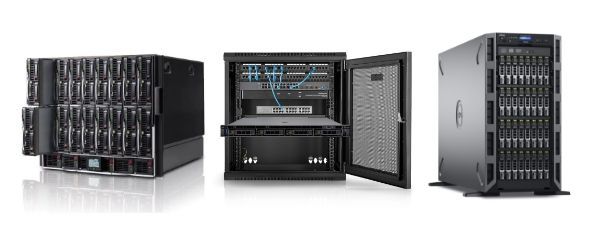
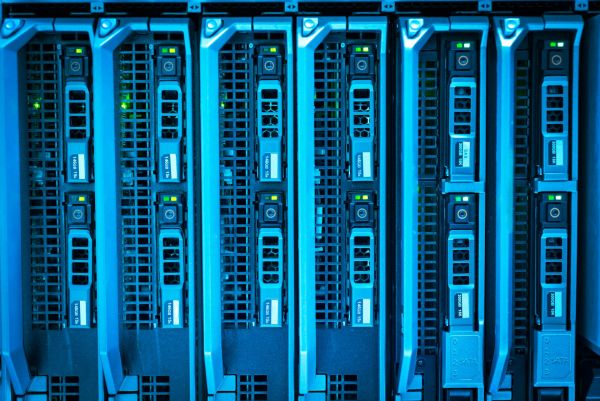
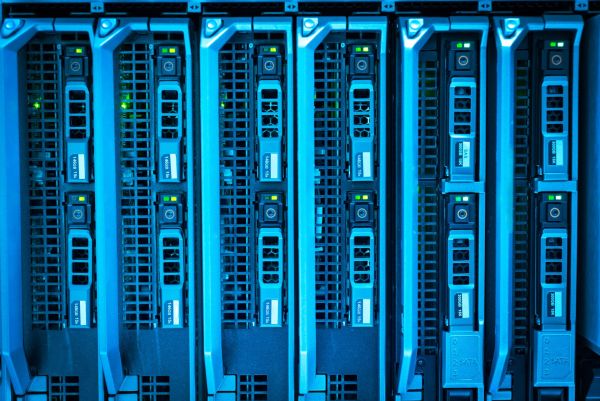
If your infrastructure exceeds a dozen servers or you're planning deployments with very high compute density – it's worth considering Blade servers. This is an enterprise-class solution that combines power, centralization and space savings in one chassis.
Why Blade might be a better choice in large environments:
- one chassis houses up to 16 modules, each is a separate server with CPU, RAM and storage,
- central power and cooling – fewer cables, fewer failures, lower power consumption,
- smaller space usage – even 30% less space than Rack with the same power,
- ideal for: VMware, HPC, containers (Docker, Kubernetes),
- management through one UI – full control over all nodes from a single console.
Sounds great? Well, yes. But there are limitations too. Chassis and full configuration cost can be high, and a chassis failure means downtime for all units. Add to this greater vendor dependency – you can't mix and expand things freely like in Rack.
We've seen many companies that after going through Tower and Rack decided on Blade as the logical culmination of growth. This isn't equipment for startup – it's equipment for those who know what they want. But if you're at that stage – it's worth considering.
Don't know what to choose? We'll suggest what will work!
Choosing between a Rack and Tower server is one thing, but specific models show how this choice translates to daily work – and budget.
At Hardware Direct you'll find a wide range of units tailored to companies of all sizes – from sole proprietorships to enterprises employing hundreds of workers.
- For small companies (1-10 people) Dell PowerEdge T150 or T140 will work perfectly – compact, quiet Tower servers with Intel Xeon E processors, 16-32 GB RAM and expandability for additional drives or cards. They'll easily handle backup, files, small CRM or accounting program without needing to build a separate server room.
- For medium organizations (10-100 employees) that need something more powerful but aren't ready to invest in full rack infrastructure, it's worth looking at Dell PowerEdge T630 – a Tower model with two E5-2630 or E5-2680 processors, 32-64 GB RAM, RAID H730P and iDRAC 8. This is a solid foundation for small virtual environments, SQL or ERP applications.
- Meanwhile companies over 100 people planning expansion or needing full consolidation should definitely consider Dell PowerEdge R640 – an enterprise-class Rack server with 2x Xeon Silver or Gold, up to 3 TB RAM and 24 disk slots. It handles VMware, Hyper-V, Proxmox or intensive databases excellently. And if price matters – the post-lease R630 model is one of the best power-to-cost ratios on the market.
Don't know which model will work for you? Contact Hardware Direct – we'll help select the specific configuration for your company's real needs.
FAQ
Can a Tower server be converted to Rack?
Technically yes – there are mounting kits that allow mounting Tower in a Rack cabinet. But in practice such a server takes up even 5U, meaning five times more space than a standard 1U Rack. Add noise, cooling and inconvenient operation. This is more of an emergency solution than a target one.
Which server is better for an office – Rack or Tower?
Tower. It's quieter, more compact and doesn't require a rack cabinet, UPS or dedicated cooling. Just place it under a desk or in a locked cabinet. Rack is louder, hotter and requires a separate room – ideally with air conditioning. Perfect for companies that already have a server room.
Which server will be better for virtualization – Blade, Rack or Tower?
It depends on scale:
- 1-3 VMs → Tower will comfortably suffice (e.g. T150, T350),
- several to a dozen VMs → Rack will be more efficient and flexible (e.g. R640, R650),
- dozens to hundreds of VMs, HA clusters, CI/CD → definitely Blade – easier to manage, faster to scale and better resource optimization.