/ EUR
/ EUR
Rack servers are not just metal boxes for a cabinet – they're the backbone of many modern companies. At first glance they look similar, but they differ in everything: from dimensions and construction, through cooling methods, to how they're deployed and expanded. For some it's the first step toward order in IT infrastructure. For others – the standard without which ERP system, virtualization environment or database backup won't run.
How does a Rack server work and why is its construction like a precisely assembled puzzle?
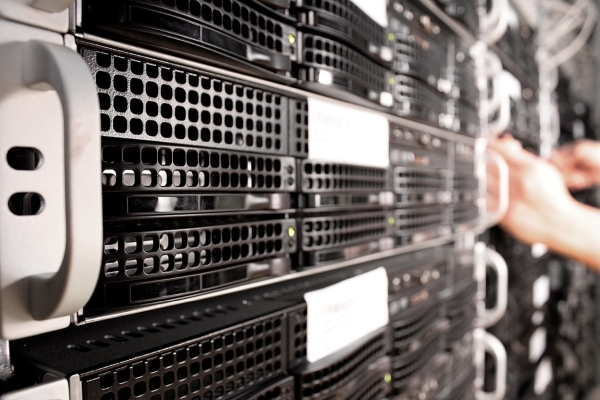
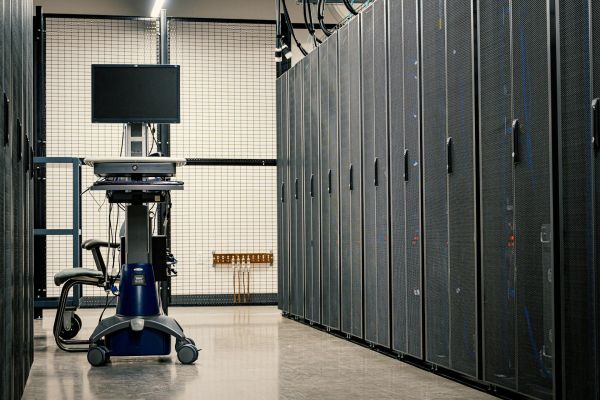
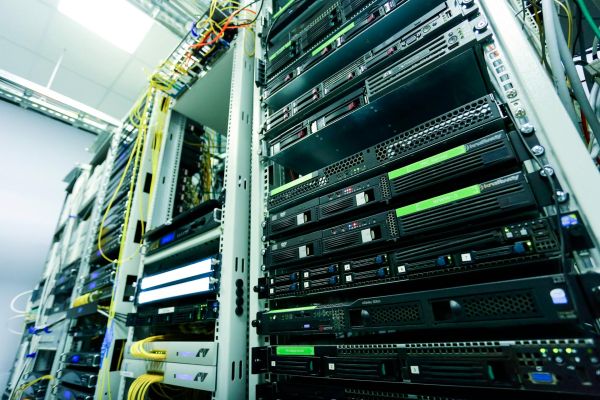
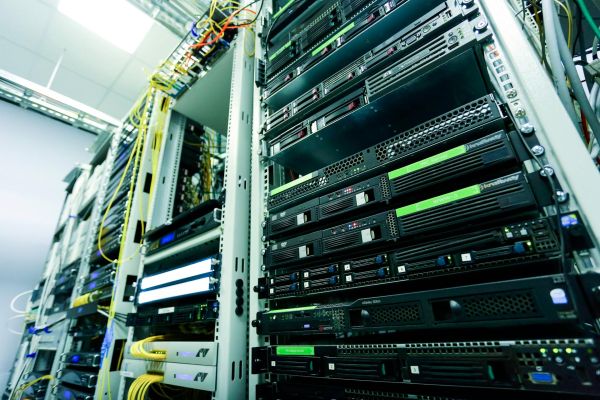
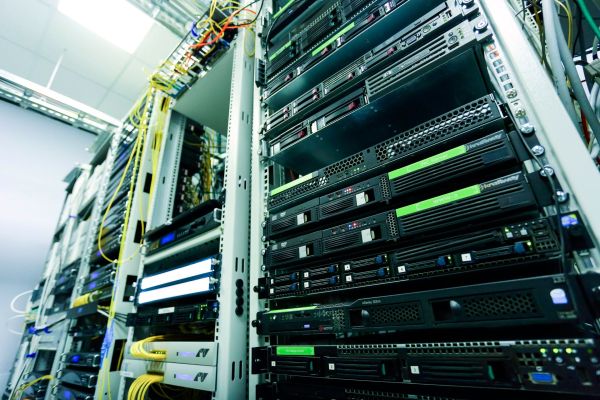
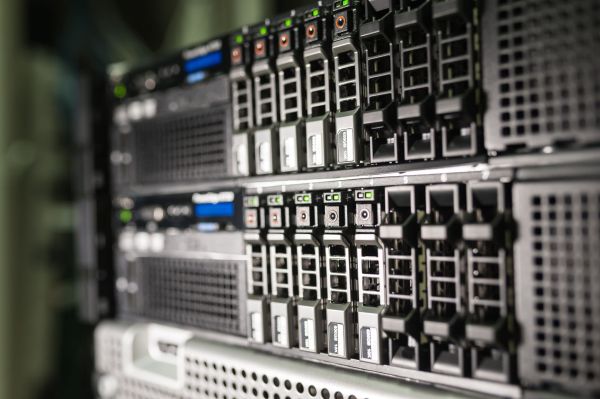
A Rack server is a unit mounted in what's called a server rack cabinet – a special 19-inch standard steel housing. This cabinet is what organizes the entire infrastructure – from servers, through UPS units and switches, to cooling systems.
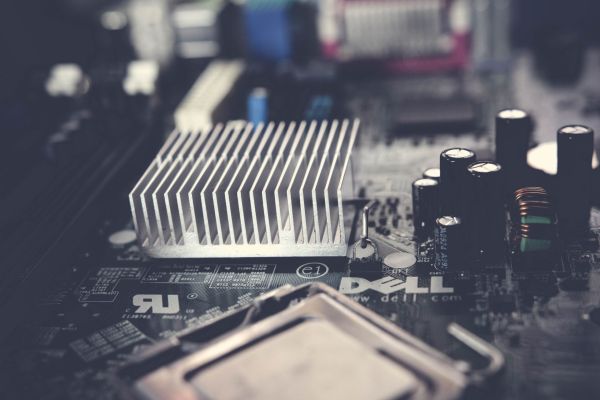
Inside a Rack chassis you'll find:
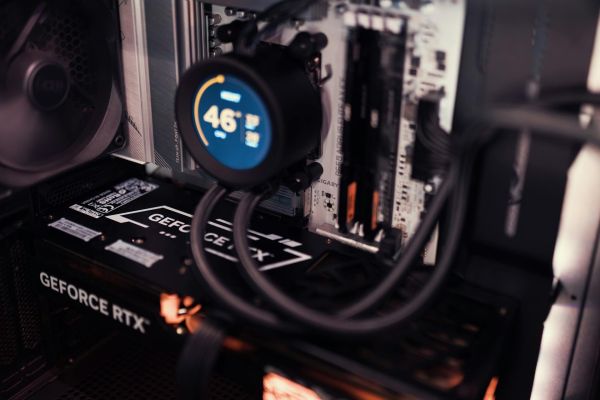
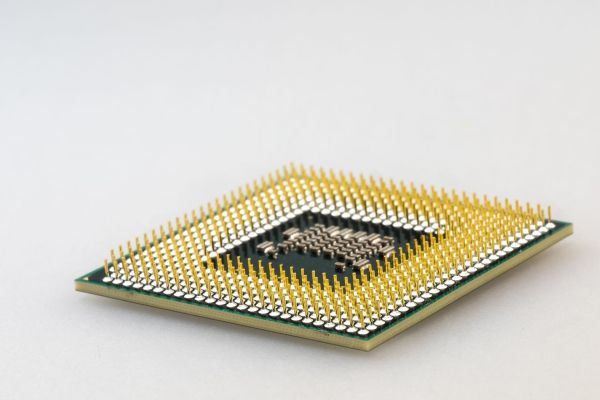
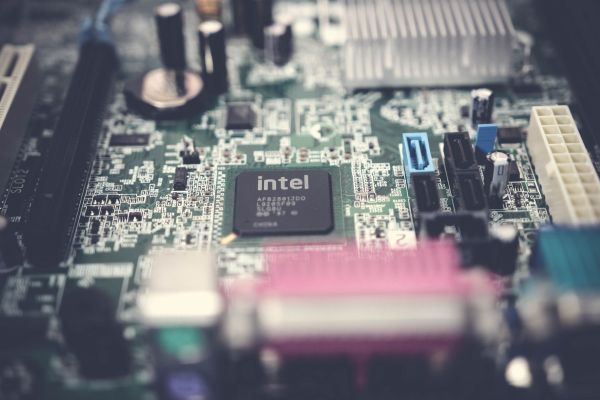
- server motherboard with one or two processors (e.g. Intel Xeon),
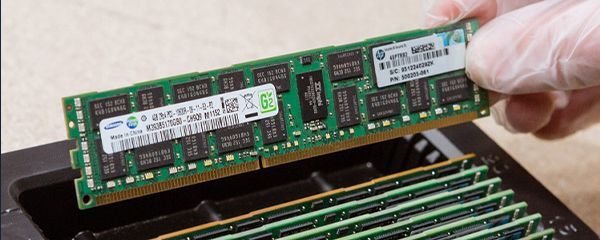
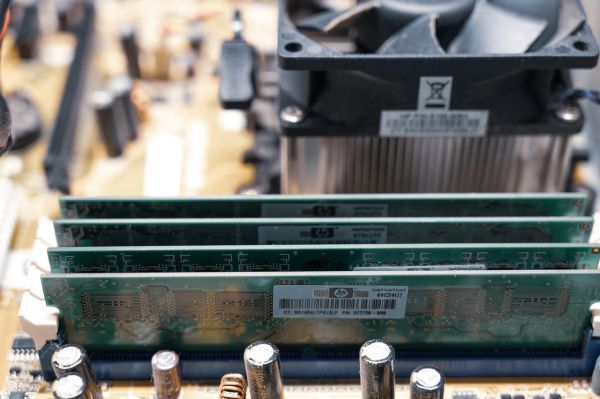
- RAM memory banks – often up to 2 TB depending on model,
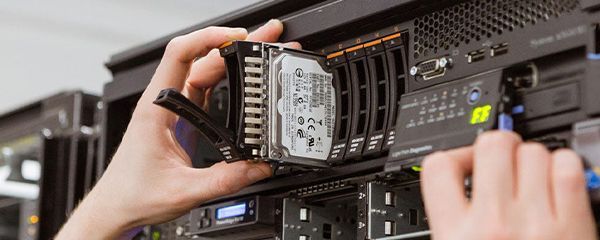
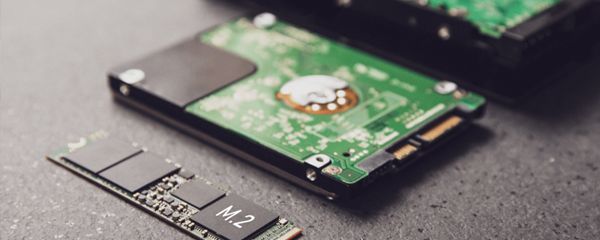
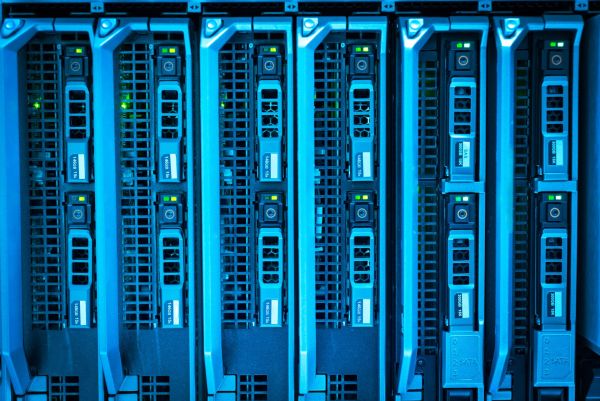
- bays for server SSD or HDD drives (mounted at the front),
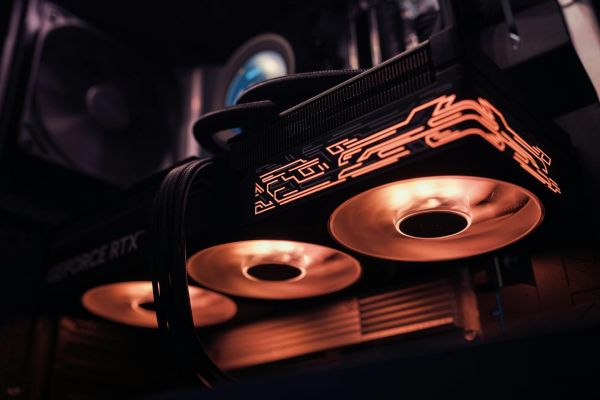
- PCIe slots – for network cards, GPUs, RAID controllers,
- hot-swap power supplies – replaceable without shutting down the server.
The entire unit is enclosed in a narrow, horizontal chassis that occupies a specified number of "U" units – e.g. 1U, 2U, 4U. Thanks to this, one cabinet can fit even a dozen or dozens of servers vertically, saving space and facilitating cooling.
For people used to desktop computers – a Rack server might look like equipment from another planet. But peek inside and you'll see it's simply a well-organized computer for specialized tasks.
Rack, Rack cabinet, Rack server – what's what and what fits where?
These are three different things – and very often thrown into one bag. Understanding these concepts is the first step to not buying something that won't fit anything later.
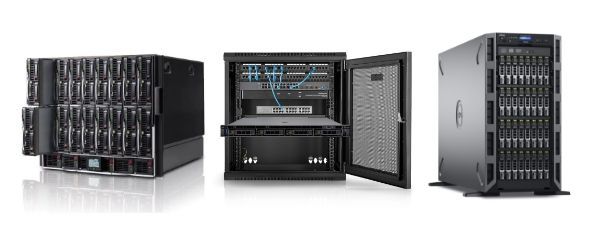
- Rack server – this is the server itself, the device for data processing. It has a chassis adapted for mounting in a cabinet (19 inches wide).
- Rack cabinet (server cabinet) – a steel housing where you mount servers, UPS units, patch panels, switches, etc.
- Rack (as a format) – simply a construction standard – refers to the width and mounting of the device. Rack format can apply to servers, routers, storage.
Most common mistake? Someone buys a Rack server but has no cabinet. Or buys a cabinet but a Tower server – which doesn't fit.
Everything in Rack format can be mounted in a cabinet. But a Rack server requires the cabinet to operate in proper conditions – especially regarding cooling and port access.
Rack server 1U, 2U, 3U, 4U – how to measure it and what does it tell about equipment capabilities?
"U" is nothing more than a height unit in the rack system. One "U" = 1.75 inches, approximately 4.45 cm. This is the basis for determining how much space a given device takes in a Rack cabinet.
Rack server designations:
- 1U – very compact, ideal for saving space, but limited in cooling and expansion,
- 2U – the sweet spot: more RAM slots, better cooling, often space for GPU,
- 3U-4U – larger but more powerful – for elaborate configurations with multiple drives, RAID controllers, network cards.
What does larger U give you?
- More space for components.
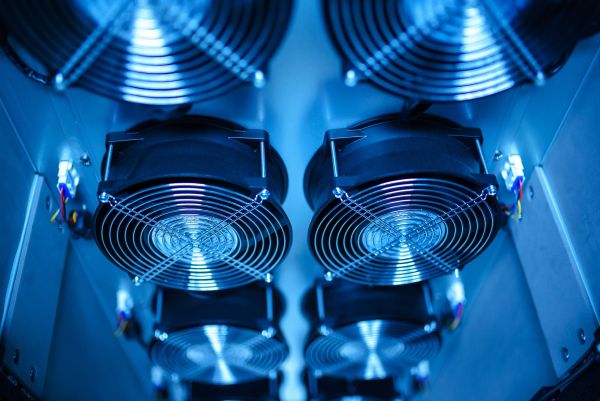
- More fans = better cooling.
- More room to maneuver when expanding (e.g. with 2x GPU).
But be aware – larger server = more space occupied in the cabinet. At 4U, in one 42U cabinet you can fit only 10 servers. At 1U – even 40. That's why selecting height is always a balance between power and available space.
What do you gain with a Rack server? Scalability, cooling, management – everything in place
A Rack server gives you more than just computing power. It's order, predictability and the ability to rapidly expand – without changing the entire infrastructure. For many companies this is the moment when IT reaches a higher level.
What are the most important advantages of a Rack server?
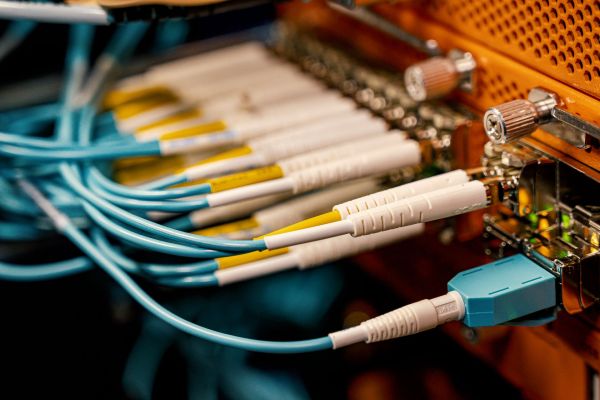
- Scalability – adding another server is often a matter of sliding a unit into the cabinet and connecting cables.
- Cooling optimization – air flows from front to back, and rack cabinets can work with air conditioning or cabinet-specific cooling.
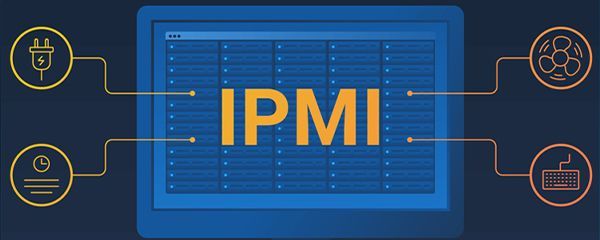
- Management centralization – remote access through iDRAC/iLO, easy updates, monitoring, integration with backup systems.
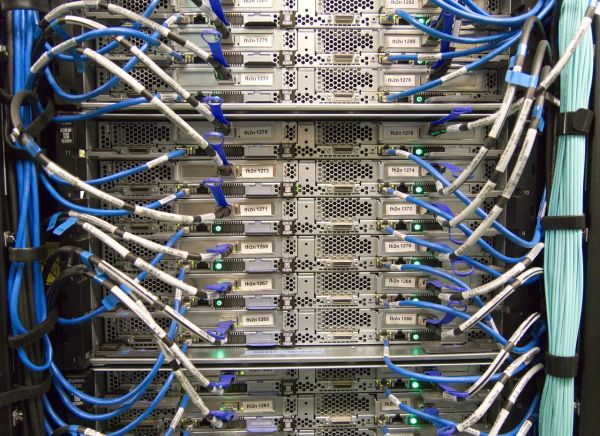
- Aesthetics and order – no more cable mess and devices placed "wherever they fit".
For companies with more than one server, Rack becomes a natural step. In smaller offices it might be overkill, but already with SQL, ERP, NAS or backup system environments – it's hard to replace with anything.
Is a Rack server the right solution for you? When it makes sense and when it doesn't
Not everyone has to invest in Rack. But if IT infrastructure grows faster than planned – it's worth thinking before it's too late. This type of server works best where performance, security and order are priorities.
Rack server makes sense when:
- company uses more than one physical server,
- scalability without replacing entire equipment matters,
- VM environments, ERP, SAP, accounting systems, hosting are involved,
- there's already a server room (even small) or space for a Rack cabinet.
When is it better to wait or choose Tower?
- There's no space or budget in the office for a cabinet and cooling.
- Company has only one system – e.g. backup or file server.
- There's no expertise to manage a Rack environment.
Rack server is a tool. In the wrong place – it will be a nuisance. In the right place – it makes a difference.
For a small company or data center? See which Rack server works best
The market has hundreds of Rack models – from budget 1U on Xeon E, to monsters with 2U and 8 NVMe drives supporting GPU. The key is matching equipment to company scale and character.
For small companies (1-15 people).
- Dell PowerEdge R230, R240, R250 – light, simple, for files, backup, simple SQL.
- HPE ProLiant DL20 Gen10 – compact, reliable, with iLO for remote access.
For medium companies (ERP, VM, database).
- Dell R640, R730, R740 – powerful machines for virtualization, good RAM and storage capabilities.
- HP DL360/DL380 Gen10 – ideal for 24/7 environments, very good energy efficiency.
For large companies and data centers.
- Dell R750, R760, MX740c (Blade) – for AI, VM cluster, HA, backup with deduplication.
- HP Apollo, Synergy, DL580 Gen10+ – critical task solutions, SAP HANA, CI/CD environments.
The larger the company, the more it benefits from centralization, automation and standardization of Rack servers. But even smallest environments can "sit" well on it – if the equipment is chosen wisely.
Rack servers in Hardware Direct's offering – from 999 PLN to 2 processors, 2 TB RAM and 16 SSD drives
At Hardware Direct you'll find Rack servers for every scenario – from office through accounting to AI. All are tested, ready to work and available off-the-shelf. Selection includes both new and refurbished units in perfect condition.
What specifically will you find on the site?
- Dell PowerEdge R230, R630, R640, R730, R740, R750, R760 – broad power, slots, RAM and drive range.
- HP ProLiant DL20, DL160, DL360, DL380, DL580, ML350 in Rack versions – ideal for projects with longer lifecycle.
- Ability to select RAID, number of drives, RAM size, network cards – you choose everything.
- Prices from approx. 999 PLN net – also for smaller companies wanting to enter the Rack world without big budget.
On hardwaredirect.pl you can easily filter servers by:
- generation,
- chassis type (1U, 2U, 4U),
- number of processors,
- RAM and drives.
If you don't know what to choose – we'll help. We'll select equipment for specific applications: ERP, SQL, backup, test environments, containers, storage or virtualization. Without pressure. Simply with sense.
FAQ
What exactly is the difference between a Rack server and Tower?
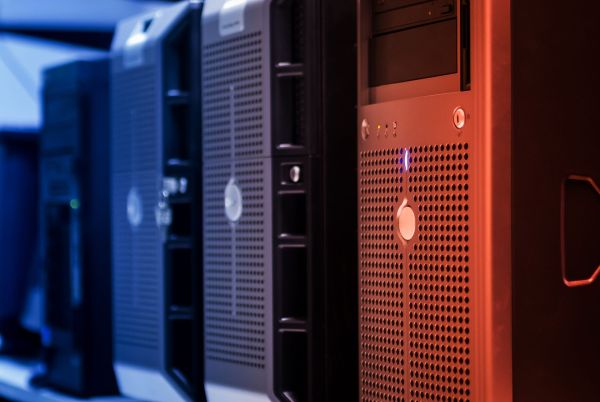
A Rack server is mounted in a server cabinet, taking up a specified height (e.g. 1U, 2U), while Tower looks like a classic desktop computer. Rack is a more organized, scalable form – ideal when you plan more than one unit. Tower is often a first step, but harder to expand and cool.
What does the abbreviation "U" mean in Rack servers?
"U" (unit) is a height unit in the rack mounting standard. 1U = 1.75 inches = approx. 4.45 cm. A 2U server will therefore take twice as much space in the cabinet as 1U. The larger the U, the more space for components (drives, cards, cooling) – but also fewer servers fit in one cabinet.
Can I use a Rack server without a Rack cabinet?
Technically – yes. Practically – it makes no sense. A Rack server without proper housing and cooling will be loud, poorly ventilated and hard to maintain. If you don't have a cabinet, better consider a Tower or purchase a small rack cabinet of 12-18U height.
Do Rack servers consume more power?
Not necessarily. Energy efficiency depends more on model and configuration than format. In practice, 1U and 2U Rack servers can be more energy efficient because they have better fan and power supply management (e.g. Platinum certification).
How to choose the right Rack server for a small company?
Just answer 3 questions:
- What should it do? (files, VMs, ERP, backup?)
- How many people use the system?
- Do you plan expansion?
For most small companies, Dell R230, R240, R630 or HP DL20 Gen10 suffice. But it's worth asking – sometimes a refurbished R640 with better RAM and SSD will cost as much as a new basic Tower.
Are Rack servers harder to use than Tower?
For non-technical person – yes. For an administrator – quite the opposite. Rack servers are easier to manage remotely, have available iDRAC/iLO interfaces, allow hot-swap drives and better cable organization. If you have more than one server – Rack makes a difference.